Create a template in .docx format with your DMC’s corporate identity. A template must be created for each required language (Spanish, English, and/or German).
An example from ARA Tours is attached.
It only works with .docx documents, not with .doc, so please take that into account.
Create a generic .doc template to apply to any wholesaler. A template must be created for each required language (Spanish, English, and/or German). An attached general example will be used by ARA Tours.
It only works with .docx documents, not with .doc, so please take that into account.
¶ Cover Page and Headers
This only applies to the general template and not to the DMC-specific template (since that one can already use the DMC logo).
The general template must include this variable/code: ${cover_logo}
so the wholesaler’s logo can be assigned. In the case of the DMC-specific template, this is not necessary.
¶ Main Box
If you want this information to appear automatically, you must add these variables/codes in the template:
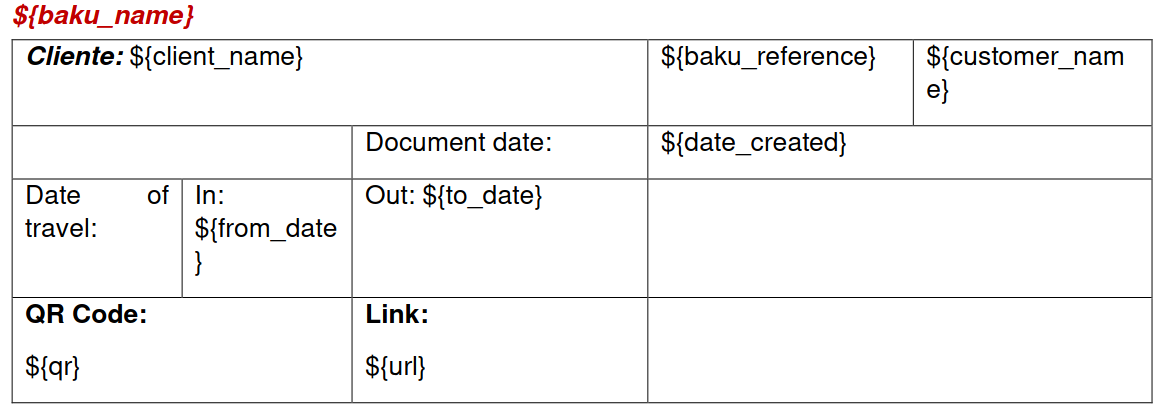
Additional codes for the main box: pax</code><code>{from_date_short} todateshort</code><code>{from_date_mid} ${to_date_mid}
If you want to display the cover texts on a separate page, you need to include the following variables/codes: blockcoverdescription</code><code>{cover_text} ${/block_cover_description}
You must include these variables/codes for the day-by-day information to appear automatically: blockday</code><code>{day} date</code><code>{date_short} datemid</code><code>{included_acc_services} accaddservbyamen</code><code>{locations} blocklocationimage</code><code>{location_image} /blocklocationimage</code><code>{block_description} text</code><code>{/block_description} blockservice</code><code>{service_image} service</code><code>{service_nights} accstars</code><code>{/block_service} ${/block_day}
Variables in the template always start with “”andthenameisenclosedinbraces“”.Example:<code>{bakuName}.
Meaning of the variables: coverlogo</code>=customerlogoonthecover.<code>{header_logo} = customer logo for the header. /blockcoverdescription</code>=blockrequiredtorepeatthecovertexts,needs: <code>{cover_text} = descriptive text. bakuname</code>=Bakuname.<code>{client_name} = final client name configured in the Baku. bakureference</code>=booking/PCMreferencetowhichtheBakubelongs.<code>{customer_name} = client/wholesaler name. datecreated</code>=datethedocumentiscreated.<code>{from_date} = trip start date. fromdateshort</code>=tripstartdateinanotherformat.<code><nowiki>{from_date_mid}} = trip start date in another format (shows full month name). todate</code>=tripenddate.<code>{to_date_short} = trip end date in another format. todatemid</code>=tripenddateinanotherformat(showsfullmonthname).<code>{pax} = number of pax (only for bookings). qr</code>=Baku’sQRimage.<code>{url} = public Baku URL. ${block_day} /blockday</code>(ifmorethanoneblockisneeded,add“”andaconsecutivenumberattheend.Example:<code>{block_day_1} ${/block_day_1} ${block_day_2} /blockday2</code>)=blockneededtorepeatvariablesforeachday,suchas: <code>{day} = day number.
date</code>=day’sdate. <code>{date_short} = day’s date in another format.
datemid</code>=day’sdateinanotherformat(showsfullmonthname). <code>{included_acc_services} = accommodation services included per day.
accaddservbyamen</code>togetherwith <code>{included_acc_services} = shows additional service names from amenities.
locations</code>=locationnames. <code>{block_location_image} /blocklocationimage</code>=blockrequiredforalargelocationimage,insideitneedsthevariable: <code>{location_image} = location image (only appears on the first day).
${block_service} /blockservice</code>=blockneededtorepeatvariablesforeachservice,suchas: <code>{service_image} = service image.
service</code>=name,comment,additional/includedserviceinfo(additionalswon’tappearif<code>{included_acc_services} is already there).
accstars</code>=hotelstars. <code>{service_nights} = number of nights for accommodations (only shows the first night).
${block_description} /blockdescription</code>=blockneededtorepeatdailytexts,needs: <code>{text} = descriptive text of the day.
Go to DMS / Sales Tools / Baku List, under the tab called “Configure Word Templates”.

There, under Customer = Default, upload the general templates by clicking the blue button on the right.
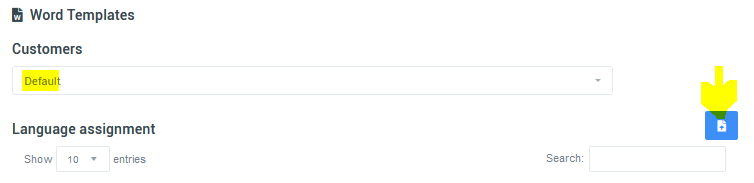
Then simply add the templates.
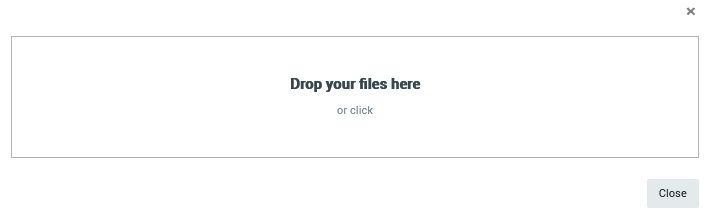
If you try to upload a file that is not .docx, the system will not allow it and will display a message like this:
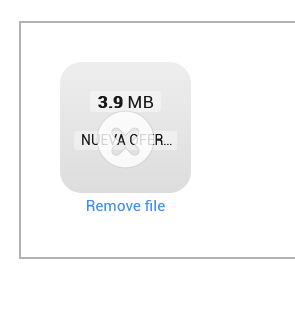
Then assign the corresponding language to each one.
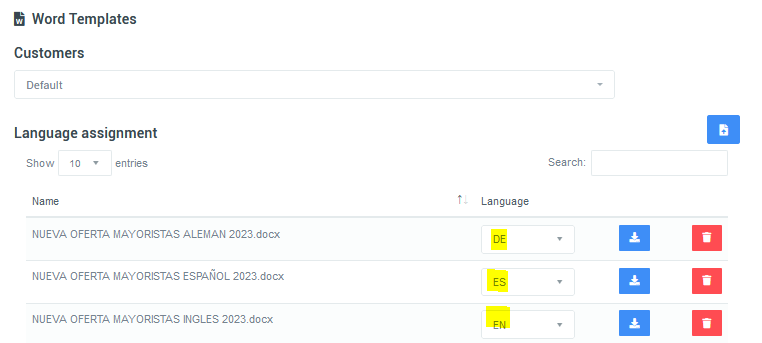
For direct client customers, assign the DMC-specific templates.
In DMS / Sales Tools / Baku List.
Select the Baku, go to Actions / Versions / Edit, and enter the Baku’s Day-by-Day.
In the printer icon, you will see the Word icon.
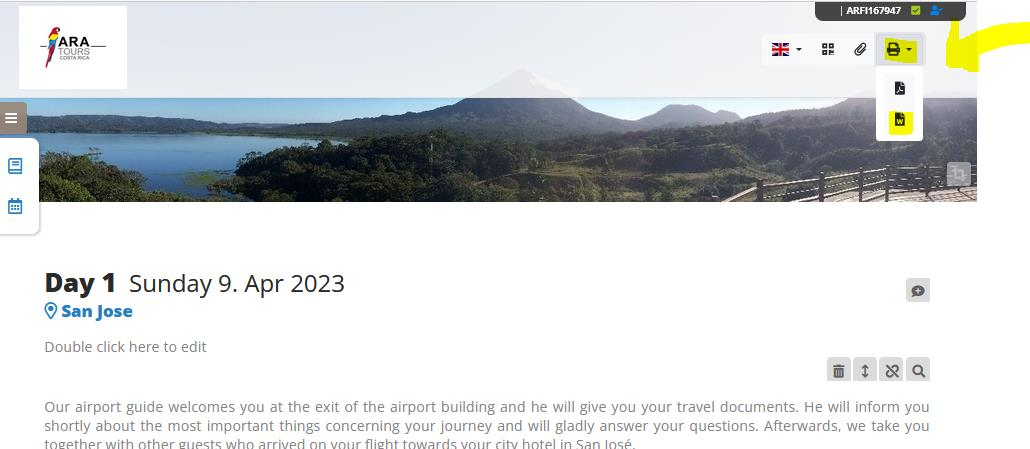
Clicking it lets you choose whether to generate the document with or without photos.
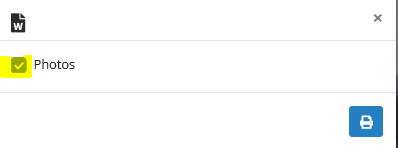
Clicking the printer button will let you choose where to save the document.
The document is generated in the language configured for the respective Baku, including the QR code.
For ARA Tours, keep in mind that if the document is uploaded to the cloud, it may look different or become misaligned since the cloud uses LibreOffice and not Microsoft Word.
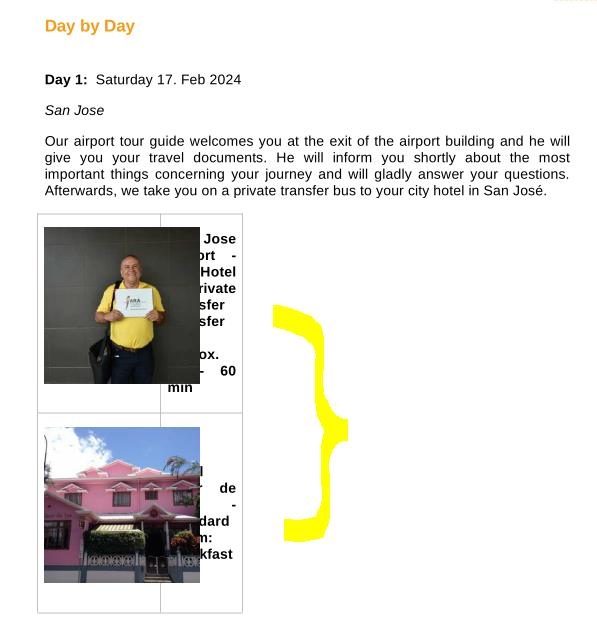
This Baku .docx document does not generate prices because Baku does not manage prices.
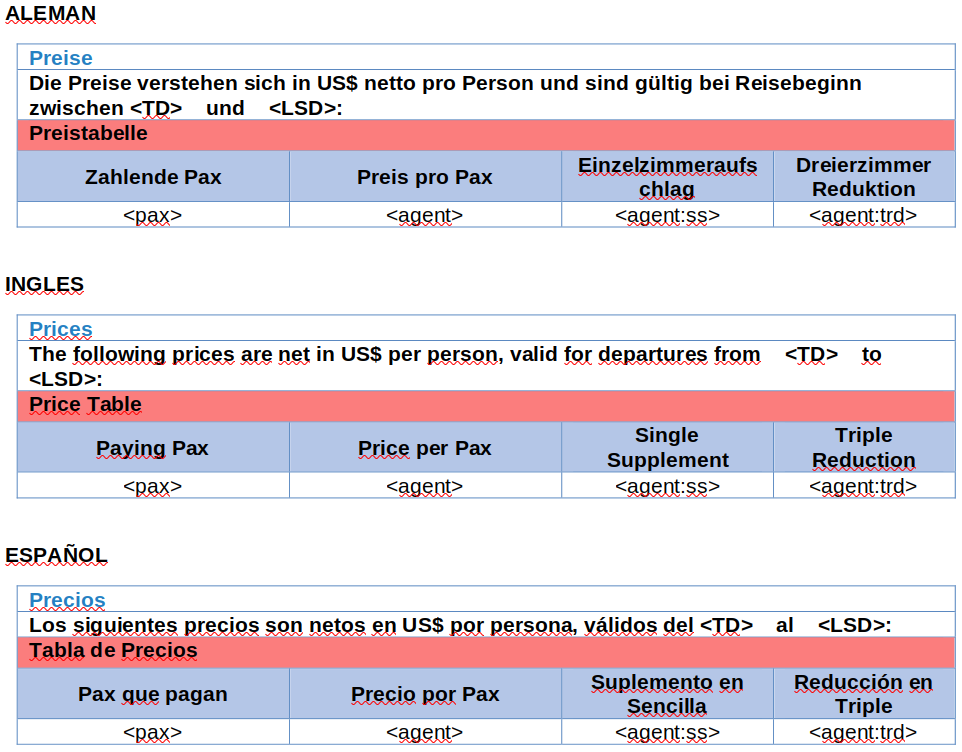
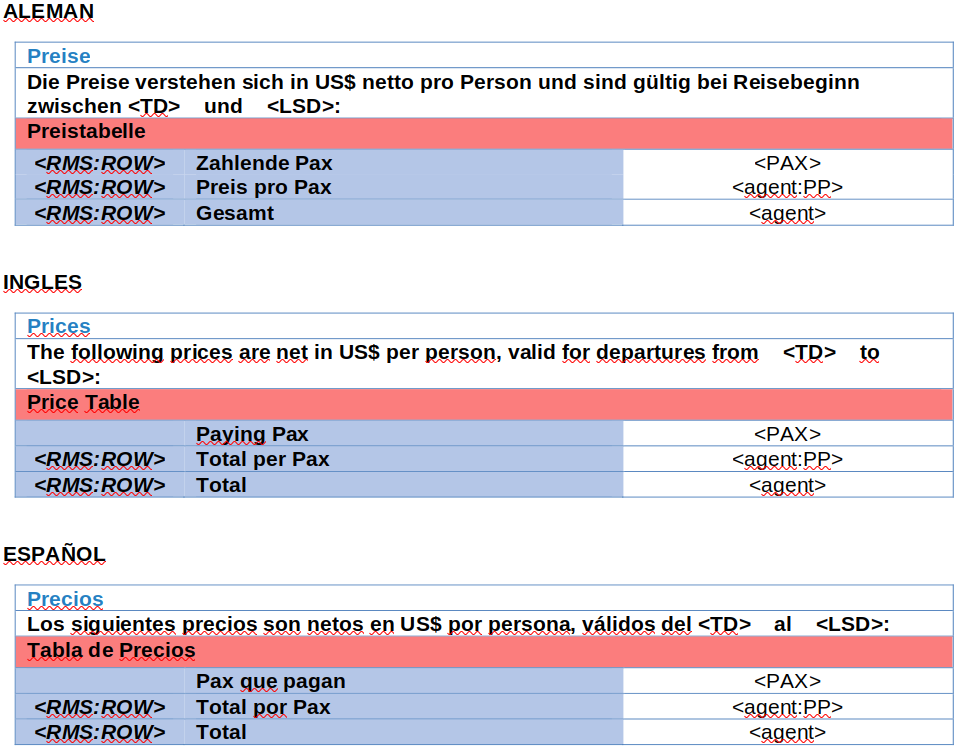
At ARA Tours, what was done instead was creating a message in Tourplan with just a price table, so that the Customer Experience agent can generate a Tourplan message, copy the price table, and paste it into the Baku document. The message is generated from a PCM:
Or if generated from a Booking:
index.php?title=Category:Editor de Baku